
Oroville Resident Lookup Records
A useful resident lookup does not ask one database to prove current residence. Butte County divides custody among the Assessor, Clerk-Recorder, Elections, Superior Court, Public Health, and Archives, while California adds statewide name, license, custody, and property paths. Each record answers a narrower question, so start with the strongest clue available.
| Record | What It Confirms | Where | Access |
|---|---|---|---|
| Oroville assessor parcel | Connection to an Oroville parcel, situs, value, and exemption context | Butte County Assessor | Free APN or address search; owner-name limits apply |
| Oroville Recorder index or deed | Named party, transaction, date, and legal description | Clerk-Recorder Self-Service | Free index; paid image or certified copy |
| Oroville court index | Name variants, case role, events, and disposition when shown | Butte Superior Court | Free web search; terminal and copy routes add access |
| Oroville vital record or index | Birth, death, marriage, dissolution, or relationship event | County, CDPH, library resources | Eligibility, application, and fee rules differ |
| Oroville voter status or file | Self-status or approved-purpose registration fields | California SOS and County Elections | Authentication or qualified application only |
| Oroville business or FBN filing | Entity, registrant, agent, filing, and public business address | SOS bizfile and Clerk-Recorder | Free index; filings and images vary |
| Oroville professional license | Licensee, locality, status, issue or expiration, discipline | California DCA and specialist boards | Free public search |
| Oroville federal case index | Party, federal case, and document references | PACER, Eastern District of California | Account-based search and document charges |
| Oroville state custody or property clue | CDCR custody record or reported unclaimed-property lead | CDCR CIRIS or Controller ClaimIt | Free name or property-ID search |
Use an Oroville address clue for the parcel and deed, an Oroville case clue for the court, and an Oroville historical clue for directories, yearbooks, obituaries, or the 1852 state census. A shared Oroville name alone is not an identity match. Keep the record type, date, custodian, and source number beside each result.
For an Oroville custody or money clue, the CDCR locator and the Controller ClaimIt search are separate state tools. A qualified voter-file request uses the SOS application, not ordinary Oroville name browsing.
Oroville Same-Name Controls
Same-name errors are the main risk in a one-person Oroville resident lookup. Preserve the Oroville spelling, initials, punctuation, married names, suffixes, and name used at the event. Then compare an Oroville clue from a different record system. An Oroville court party and parcel can share a surname, while a business filing can show an agent without proving residence.
- Keep the full middle name or initial, suffix, spelling variant, and name-at-event.
- Record the party role, case type, filing date, and county instead of copying a name alone.
- Compare an address or legal description with a deed, court mailing city, obituary, or directory entry.
- Use a date range and locality to separate people with the same first and last name.
- Call the custodian with a case number or document number; staff generally do not conduct open-ended identity research.
Two identifiers make the next request narrower, not certain. If they disagree, keep both versions and ask the creating office to correct or explain its index.
Butte Court Search Fields
The Oroville-area Butte Superior Court case-information portal searches nonconfidential, nonsealed civil, criminal, family, probate, small-claims, and traffic cases without an account. Smart Search takes an Oroville party name or case number; CAPTCHA may appear. Hearing Search is separate, and remote display is narrower than Oroville courthouse access.
| Field or control | Type | Required | Notes |
|---|---|---|---|
| Smart Search | Text | Yes | Party name or case number; CAPTCHA may appear |
| Search Hearings | Tab or mode | No | Hearing-calendar route |
| Case type or filter | Filter | No | Nonconfidential civil, criminal, family, probate, small claims, traffic |
| Register | Button | No | Public search does not require an account |
Oroville’s Superior Court records begin in 1988, North County Municipal in late 1985, and South County Municipal in 1989. A case filed from 1950 onward can appear after later electronic activity. Post-February 19, 2016 codes include CV, CF, CM, FL, PR, SC, and TR. A 1/1/1900 date is a conversion placeholder, not an event date, and DOB is not shown remotely under Rule 2.507.
The Butte Superior Court home page is the official starting point for Oroville locations and service links, including the courthouse at One Court Street.
The manifest's Butte Superior Court source capture shows the official service route:
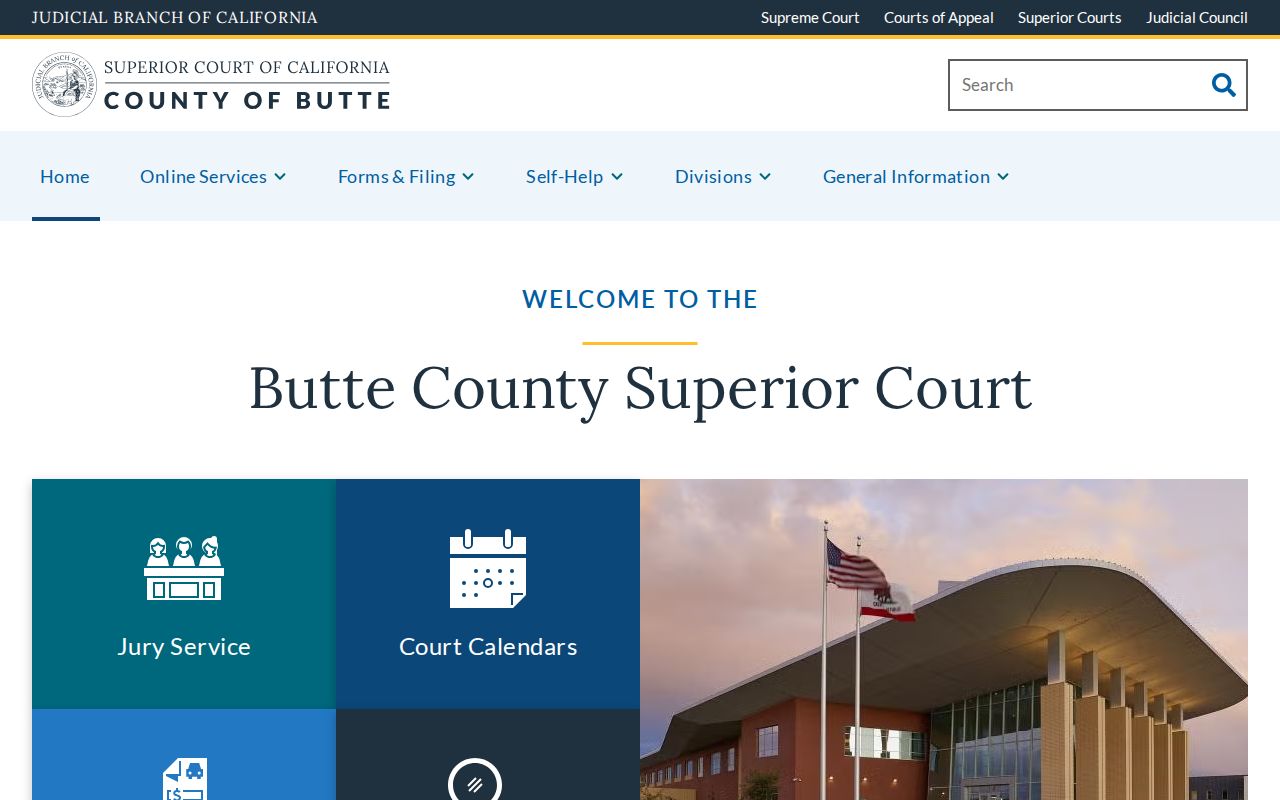
The court case-information rules keep the image in its proper role. It does not turn a party name into an address or reveal sealed, juvenile, adoption, or confidential records.
| Docket field | What a visible result may show |
|---|---|
| Case number | The court identifier used for a focused clerk request |
| Title and party names | Names and roles subject to exclusions |
| Filing date, type, and status | When the case entered the index, its category, and current status |
| Officer, events, and hearings | Judicial officer and scheduled or completed activity when displayed |
| Register, charges, and disposition | Entries and outcome information shown where lawful |
| Linked documents | Documents available remotely under the court access rules |
Courthouse computers can show public documents that Rule 2.503 bars from internet display. If a result needs a copy, the court copy-request form supports mail or in-person service. Research lists $0.50 per page, a $15 lengthy name search, and $40 general certification, with processing within one week. Supply the case number, title, and filing date.
Verifying an Oroville Resident
A sound Oroville resident lookup ends with the custodian’s record, not the first matching name. Use this order when an Oroville address and name must be checked together.
- Anchor the locality. Match the Oroville name to an address, parcel, court county, obituary place, or public filing without treating an assessor situs as a residence claim.
- Search variants. Run the Oroville court name and case number routes with middle initials, suffixes, former names, and a sensible date range.
- Confirm a separate clue. Compare it with an Oroville deed legal description, vital event, license locality, business filing, or directory entry.
- Request the source. Save the case or document number, date, and custodian, then seek an image or certified copy when the record is lawfully available.
- Docket
- The running court record of filings, events, hearings, and case status.
- Index versus image
- An index gives searchable fields; an image is the underlying document and may require a fee or in-person access.
- Certified copy
- A copy attested by the custodian as a true record, with eligibility and certification rules set by that office.
Note: Verification is strongest when the two clues come from different custodians and point to the same time, place, and record role.
Oroville Vital Records
Oroville vital custody changes with record type and age. Butte Public Health holds the current year and one prior year of births and deaths, the Clerk-Recorder handles older local certificates, and CDPH supplies statewide copies. California has no simple 75-year or 100-year opening rule. Health and Safety Code sections 103525-103526 separate authorized and informational copies.
- Births: the local 2026 fee is $31. After age two, Oroville requests go to the Clerk-Recorder birth application; CDPH remains the statewide route.
- Deaths: the local 2026 fee is $26, with the same Oroville custody split and an informational alternative for most requests.
- Marriages: public marriage records use county or CDPH channels; the research lists $17 county and $19 CDPH fees for 2026. Confidential marriage records are limited under Family Code section 509.
- Dissolutions: CDPH’s $18 certificate is a limited event record; the Oroville Superior Court file and judgment are different products.
An authorized applicant must meet a statutory relationship or capacity rule, sign a sworn statement, and usually notarize a mailed request. An informational copy is generally available for most birth and death records, but is marked not valid to establish identity. The Oroville-area county fee page shows the local path. Public Health accepts in-person applications at 202 Mira Loma Drive and mail requests; do not send cash.
Oroville adoption files remain sealed absent a statutory or court process. A death index, obituary, probate file, or newspaper can support historical research, but none removes the eligibility rules for a certified record.
Oroville Heir and Classmate Trails
Personal research may connect an heir to an estate, find a former classmate, or clarify a birth-family record without forcing a sealed file open. Probate petitions and notices may name a decedent, petitioner, heirs, or devisees where public. Match that lead with deed, obituary, and date evidence, then request the specific file.
For a classmate, the Butte County Library genealogy service, CSU Chico yearbooks, directories, and obituary requests can supply a time and place. Give staff a full name, approximate date, place, and known newspaper for microfilm. A directory association is historical evidence, not a current alumni register. The older volume trail is kept with the Oroville Directory Book.
Birth-parent questions use California’s official adoption-record and mutual-consent processes. Do not use a name match or obituary to bypass sealed records. California State Library resources can point to lawful historical sources.
Oroville SOS and License Records
Public filings can establish an affiliation without establishing a home. The Butte County Clerk-Recorder handles fictitious business names, while California’s SOS bizfile search covers entity name or number, status, formation, jurisdiction, agent or address fields, and filings as available. An FBN is a trade-name record, not a license.
The California Department of Consumer Affairs license search accepts board or bureau, license type, business or name, license number, city, and county. Results can show license number, status, issue or expiration, and public discipline where supplied. Cross-check the legal entity in SOS, the trade name in the county FBN, and the individual or firm license in its specialist board.
The DCA search is a useful public-record path when a name is tied to a credential or public business role.
The manifest's California license-search source capture shows the public status route:
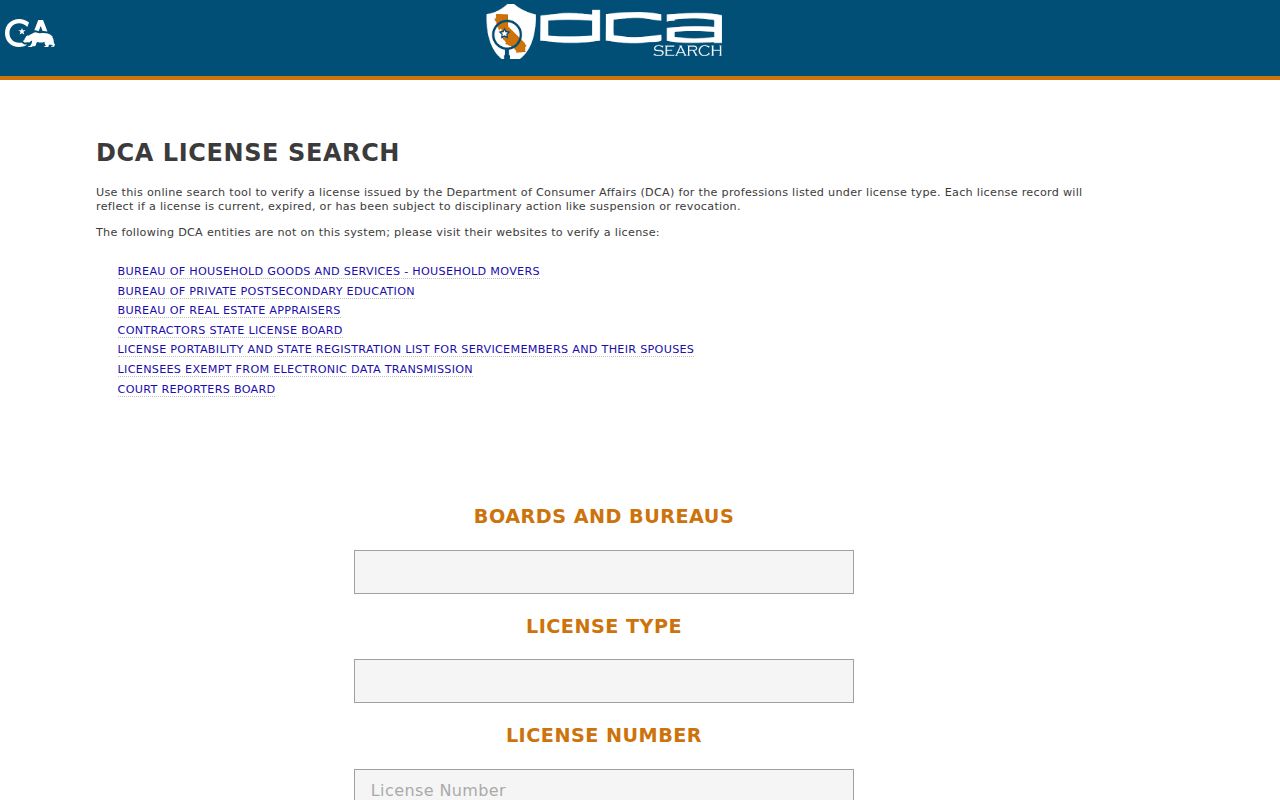
That license search result adds a status and locality clue, not a residence. Use filing type and date to keep a business record separate from a person record.
The California Secretary of State business search is the matching entity route when a firm name or number is known.
The manifest's California business-search source capture shows the entity index:
Read the entity result by status, jurisdiction, agent, and filing image. An agent or business address is not a residence.
Federal Oroville Resident Lookup
Federal matters for Butte County fall in the Eastern District of California. PACER searches by party or case and supplies federal docket and document access. The research lists a $0.10 per-page charge capped at $3 per document, with a quarterly fee waiver when account charges do not exceed $30. Archived paper or certified local records must be ordered from the relevant clerk, so a case number, document title, and filing date make the request narrower.
PACER belongs in a resident lookup only for a federal question. It does not replace the Butte portal, and a federal party result still needs same-name controls.
The manifest's PACER source capture shows the federal index route:
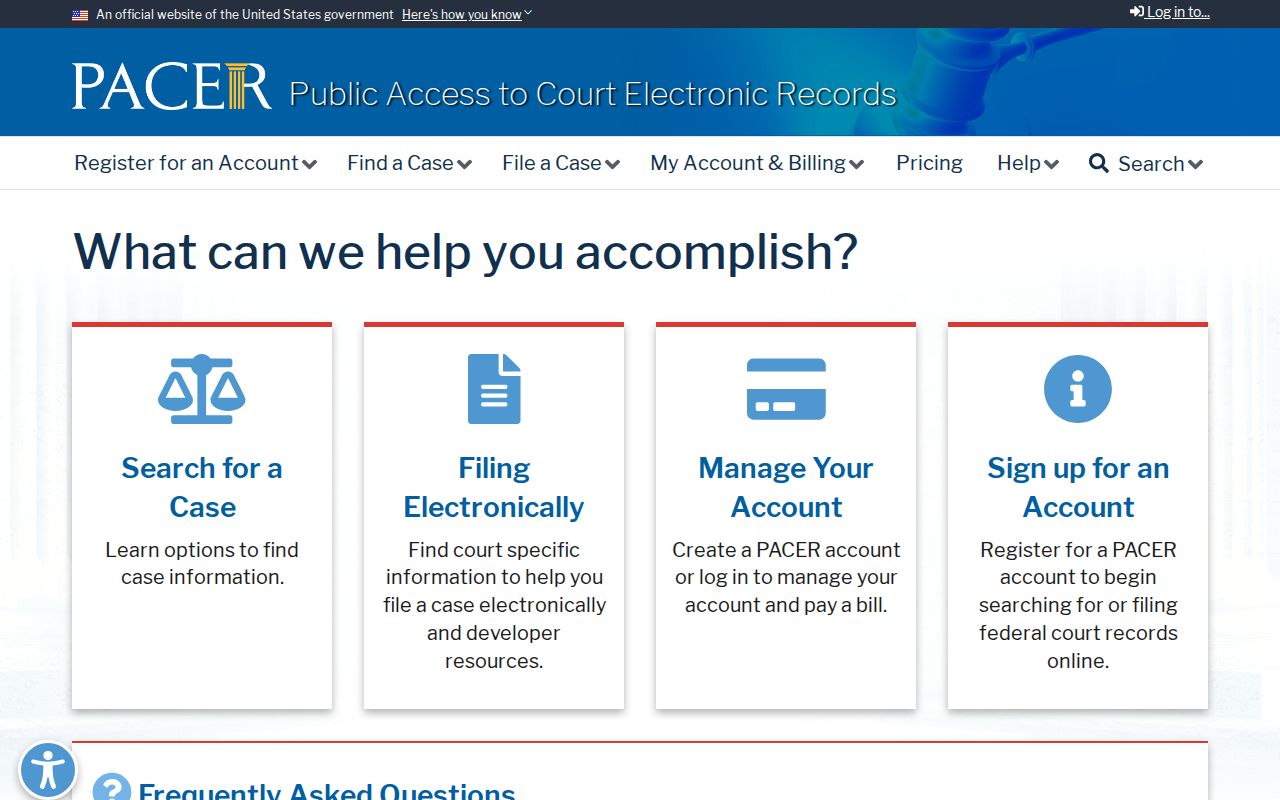
The PACER search marks a separate fee system. Keep its case number and document source distinct from a Butte result.
Oroville CPRA Requests
When an index stops short, a narrow request can be better than a broad name search. The California Public Records Act overview says a request need not cite the statute, state a motive, or use a special form. Identify the agency, record type, person or address, and date span. The initial determination is ordinarily due within 10 days, with up to 14 more for unusual circumstances; that is not always a production deadline.
Ask the Oroville City Clerk for city-created records and use the Butte County request channel for county material. Inspection is generally free; direct duplication costs may apply. Exempt material can be withheld, while segregable portions should be considered.
Note: A focused records request preserves the question for the custodian while avoiding an unsupported identity conclusion.
Legal Limits on Oroville Lookup
Some residents are absent from ordinary search paths by design. California Safe at Home provides a substitute address and confidential voter registration under Government Code sections 6205 and following; section 6209.5 addresses certain real-property instruments. The Safe at Home program can keep an address from a normal resident lookup. Sealed adoption, juvenile, confidential court, and protected vital records have their own rules.
Privacy rights for covered business data include knowing, deleting, correcting, and opting out of sale or sharing, subject to exemptions. The California Privacy Protection Agency's Delete Act information does not erase official county, court, or vital records. Voter data remains limited by Elections Code section 2194, and DMV information is restricted by the Driver’s Privacy Protection Act. Ask the source custodian to correct an index error.
Lawful use. An Oroville resident lookup is for personal, lawful research. Public availability never permits stalking, threats, repeated unwanted contact, surveillance, or harm; California Penal Code section 646.9 and related remedies still apply.
When the goal changes from one person to the records along a whole street, the Oroville street directory workflow keeps parcel, deed, permit, and jurisdiction evidence in the right order.